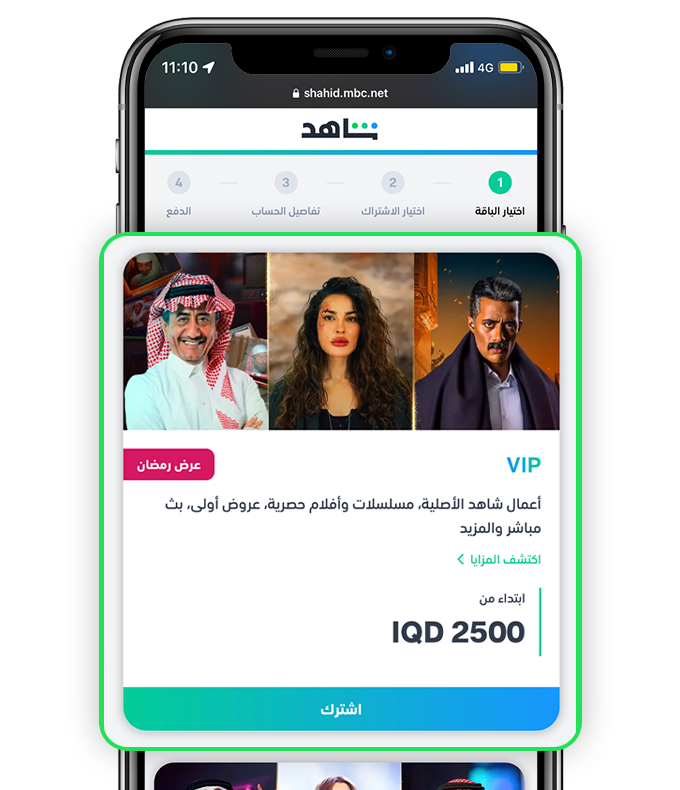
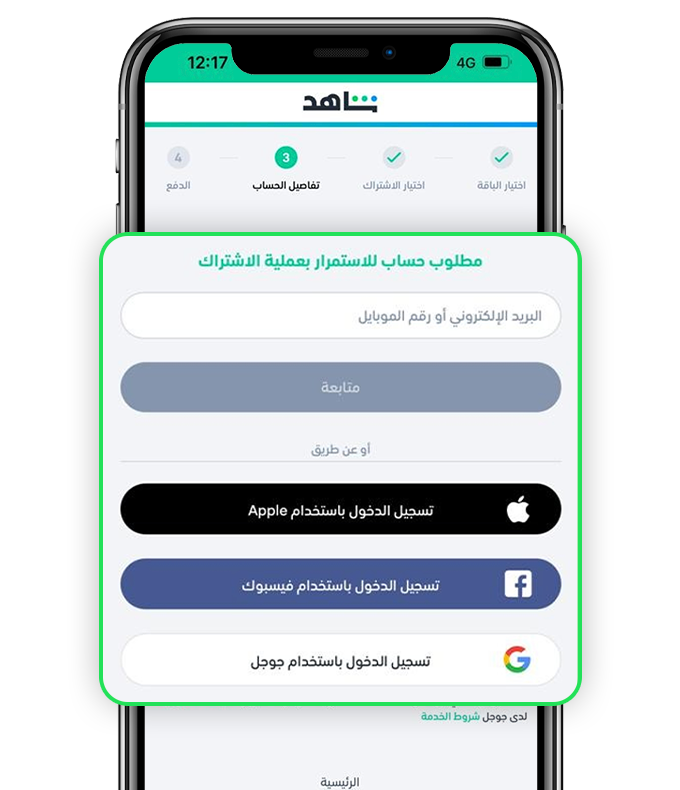
1. During the activation process for the first time, the postal code is requested. How can I know the postal code of the governorate?
If you need to know the postal code of the governorate, you can use the postal code for Iraq, which is 10000.
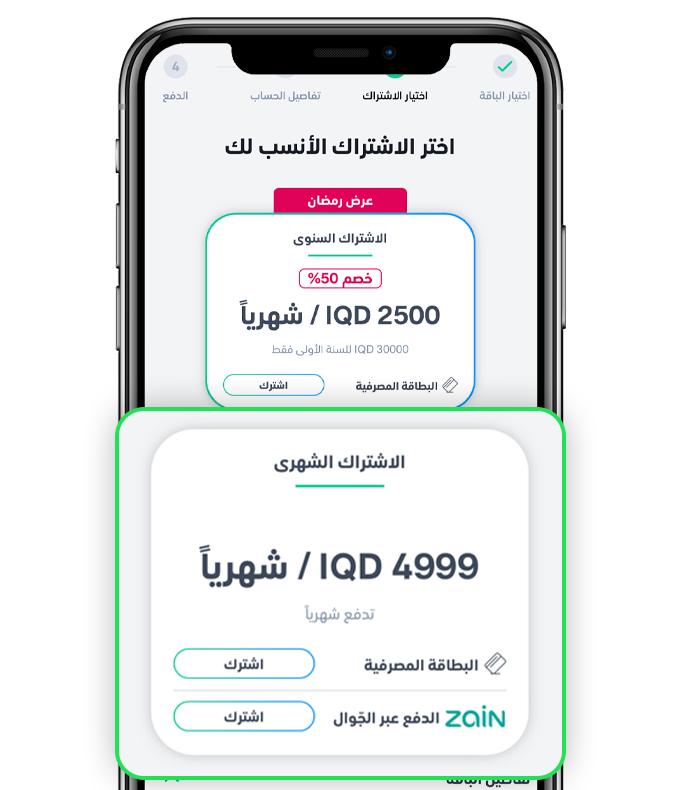
2. I use an oodi mobile number, but the option to pay through Zain has yet to appear.
If your phone has two SIM cards, you can activate the service on the oodi line by setting the oodi SIM as the preferred SIM (default) for both calls and text messages. This will make the option “Use (Zain Iraq) زين العراق billing” appear directly.
3. I use the oodi mobile number and have already set it as the preferred SIM for calls and text messages, but the option to pay via Zain has yet to appear.
Please check your Google account. If you use a non-Iraqi account, you must convert it to an Iraqi account. Here’s how to verify your account:
- Go to the “Account” section within the Google Play Store.
- From “Preferences,” navigate to “Country and profiles” and change the country. Note that the change may take up to 24 hours.
- If the option to change the country is unavailable, go to “Phone Settings” and “Applications.” Select the Google Play application, go to storage, and clear the cache. Repeat step (2) above.
- If you cannot change the country through the previous steps, open the following link in your browser: https://payments.google.com.
- Then go to “Settings” and choose Iraq as your country/region.